Your new hire starts Monday in Manila. Your team lead is in Montreal. Your product manager wraps up her day in Berlin three hours before your new developer logs on in San Diego.
Welcome to remote employee onboarding in 2026.
The traditional playbook doesn’t work anymore. You can’t gather everyone in a conference room. You can’t tap someone on the shoulder for a hallway introduction. And you definitely can’t rely on synchronous meetings when half your team is asleep during the other half’s working hours.
Remote employee onboarding across time zones requires asynchronous documentation, pre-recorded training, structured check-ins, and clear communication protocols. Success depends on preparing materials before day one, assigning timezone-aware mentors, and building connection through intentional touchpoints rather than spontaneous office interactions. The goal is integration without requiring everyone online simultaneously.
What makes remote employee onboarding different
Remote employee onboarding isn’t just office onboarding on Zoom.
It’s a completely different process.
In an office, new hires absorb information passively. They overhear conversations. They watch how meetings run. They notice who talks to whom and how decisions get made.
Remote workers miss all of that.
They need explicit documentation for things that used to be obvious. They need structured introductions instead of organic hallway chats. They need recorded context because they can’t just listen in.
And when your team spans multiple time zones, synchronous onboarding becomes nearly impossible.
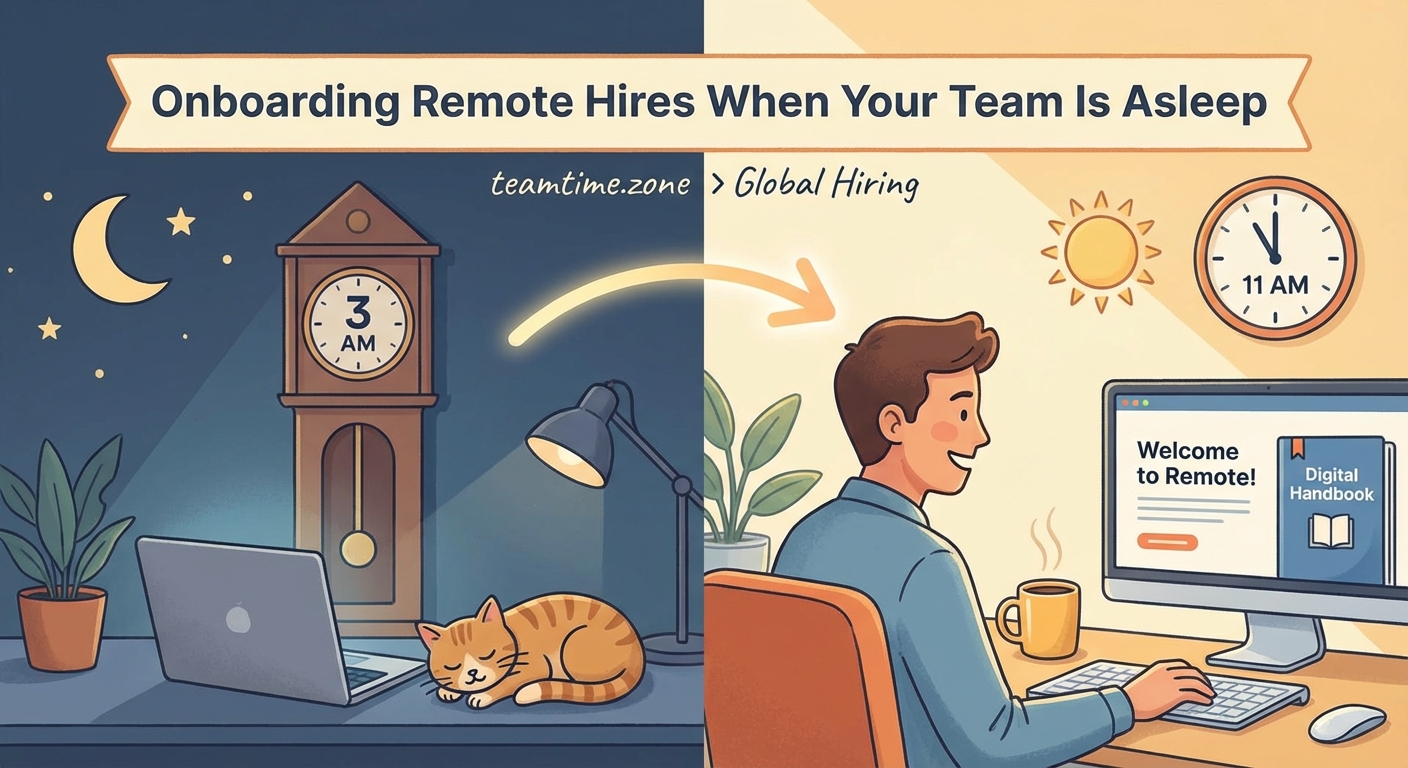
Your new hire in Tokyo can’t attend a 2pm EST team meeting without staying up until 3am. Your engineering lead in London is offline when your San Francisco team starts their day. Recording everything isn’t optional anymore. It’s the only way to make onboarding work.
The pre-boarding phase that sets up success
Great remote employee onboarding starts before day one.
Not the day of. Not the week of. At least two weeks before.
Here’s what needs to happen during pre-boarding:
- Ship all equipment with enough buffer time for customs delays and delivery issues
- Send login credentials and setup instructions three business days early
- Schedule their first week of meetings and share the calendar
- Assign a mentor or buddy in a compatible time zone
- Record a welcome video from their direct manager
- Create a personalized onboarding document with their schedule, contacts, and first-week goals
One software company we studied sends new hires a “day zero” package that includes their laptop, a welcome letter from the CEO, company swag, and a printed guide to their first week. The guide includes screenshots of every tool they’ll use, timezone-translated meeting times, and photos with names of everyone they’ll meet.
The result? New hires show up on day one already feeling like part of the team.
They’re not scrambling to install Slack while everyone waits. They’re not confused about which Zoom link to use. They’re ready to focus on learning their role instead of fighting with logistics.
Building your asynchronous onboarding foundation
Asynchronous onboarding is the only scalable solution for distributed teams.
You need a library of pre-recorded content that new hires can consume on their own schedule.
Here’s what belongs in that library:
- Company history and mission video (10-15 minutes maximum)
- Product walkthrough with screen recordings showing key features
- Team structure explanation with org chart and role descriptions
- Tool tutorials for every platform your team uses daily
- Culture and values presentation with real examples
- Process documentation for common workflows
- Recorded team meetings from the past month
Make these videos short and searchable.
A 90-minute recording of your all-hands meeting isn’t helpful. A 12-minute highlight reel with timestamps and a table of contents is gold.
One distributed marketing agency creates “choose your own adventure” onboarding paths. New hires in different roles watch different combinations of videos. A content writer doesn’t need the same technical setup videos as a developer. A customer success rep needs different context than a designer.
This approach cuts onboarding time by 40% because people only consume what’s relevant to their role.
Building an async-first communication culture makes this transition smoother for everyone on your team, not just new hires.
The structured first week framework
Week one needs more structure than any other period.
New remote employees need clear expectations about what they should accomplish and when they should be available.
Here’s a proven framework:
Monday: Focus on setup and orientation. New hire spends the day configuring tools, watching foundational videos, and having one 30-minute welcome call with their manager.
Tuesday: Role-specific training begins. They watch recorded training materials and complete hands-on exercises. One check-in with their mentor.
Wednesday: First real work task. Something small, achievable, and clearly defined. They should be able to complete it and get feedback within 24 hours.
Thursday: Team introductions. Schedule 15-minute one-on-one video calls with 4-6 key teammates. Keep these short and focused.
Friday: Reflection and planning. New hire documents what they learned, asks questions asynchronously, and reviews their goals for week two.
This structure works because it balances independent learning with human connection.
New hires aren’t sitting in eight hours of Zoom calls. But they’re also not left completely alone to figure everything out.
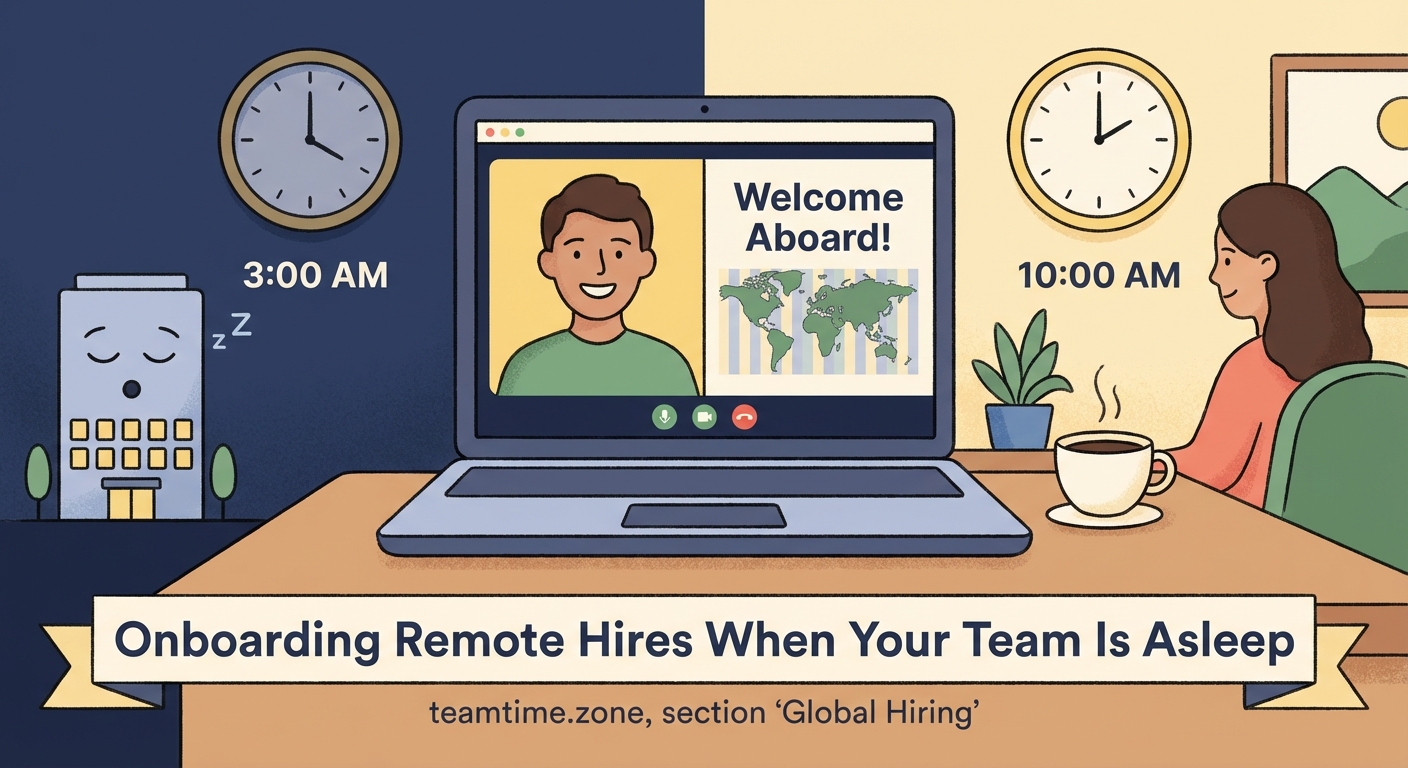
The timing of live meetings matters enormously. If your new hire is in Sydney and their manager is in New York, finding overlap is hard. That’s why you need to be strategic about which meetings happen live and which can be asynchronous.
Use the 3-hour window rule to find times that work for everyone without requiring someone to wake up at 5am or stay up past midnight.
Creating connection without synchronous time
The biggest challenge in remote employee onboarding is building relationships.
In an office, relationships form naturally. You grab coffee together. You chat before meetings start. You bond over shared frustrations with the printer.
Remote teams need to manufacture those moments intentionally.
Here are tactics that actually work:
-
Async introductions: Create a Slack channel or discussion thread where team members post video introductions. New hires watch these before their first meetings and already feel like they know people.
-
Virtual coffee roulette: Pair new hires with different team members each week for optional 15-minute casual chats. No agenda. Just conversation.
-
Buddy system: Assign a peer mentor who’s not their direct manager. This person answers “dumb questions” and provides the insider perspective on how things really work.
-
Team README files: Every team member maintains a document explaining how they work, when they’re available, how they prefer to communicate, and what they’re working on. New hires read these to understand team dynamics.
-
Show and tell sessions: Monthly recordings where team members share something they’re working on or something they learned. New hires watch these to see how your team thinks and communicates.
One design agency uses async standups where everyone posts a daily video update. New hires participate from day one, which helps them learn names, see work in progress, and feel included in the team rhythm.
These practices also help you build trust in remote teams over time, which is essential for long-term retention.
The documentation that makes or breaks onboarding
Remote employee onboarding lives or dies on documentation quality.
Not documentation quantity. Quality.
You don’t need a 200-page employee handbook that nobody reads. You need focused, searchable, up-to-date guides for the things new hires actually need to know.
Here’s what your documentation library must include:
| Document Type | What It Contains | Update Frequency |
|---|---|---|
| Getting Started Guide | Login credentials, tool setup, first week schedule | Before each new hire |
| Communication Norms | Response time expectations, meeting protocols, channel purposes | Quarterly |
| Process Playbooks | Step-by-step workflows for common tasks | As processes change |
| Team Directory | Names, roles, time zones, contact preferences | Monthly |
| Decision Log | How and why key decisions were made | After each major decision |
| FAQ Database | Common questions with clear answers | Weekly |
The best documentation is written in plain language and includes screenshots or screen recordings.
Don’t write “Configure your development environment according to team standards.” Write “Install Node.js version 18.2, then run these three commands. Here’s a video showing exactly what you should see.”
One engineering team maintains a “new hire question log” where every question a new employee asks gets documented with its answer. Over time, this becomes the most valuable onboarding resource because it addresses real confusion points, not theoretical ones.
Learning how to document decisions asynchronously prevents new hires from feeling lost when they can’t attend every meeting.
Managing time zone complexity in onboarding
Time zones are the hardest part of remote employee onboarding.
Your new hire needs to meet people, attend training, and get real-time feedback. But “real-time” is a myth when your team spans 12 hours.
Here’s how to handle it:
Map out time zone overlap before hiring. If you’re hiring someone in Singapore and your entire team is in North America, acknowledge that live collaboration will be limited. Plan for it.
Rotate meeting times fairly. Don’t always schedule onboarding calls at times convenient for the manager. If your new hire is in Berlin and you’re in San Francisco, alternate between morning Berlin time and evening Berlin time.
Record everything live. Every meeting, every training session, every team sync. New hires who miss the live session can watch later and post questions asynchronously.
Set clear response time expectations. Tell new hires exactly how fast they should expect replies. “We respond to Slack messages within 4 hours during business hours, but email can take 24 hours” removes anxiety about whether they’re being ignored.
Use async check-ins strategically. Instead of daily standup meetings, use recorded video updates or written check-ins. New hires share what they accomplished, what they’re stuck on, and what they’re working on next. Managers respond within their working hours.
One customer support team uses a “follow the sun” onboarding model. New hires spend their first two weeks shadowing team members in different time zones by watching recorded support calls and reading ticket threads. They see how the team handles issues around the clock without needing to work outside their own hours.
When you’re running meetings across 12+ time zones, having a systematic approach to scheduling prevents burnout and resentment.
Common mistakes that derail remote onboarding
Even experienced remote teams make predictable mistakes with new hires.
Here are the most common ones and how to avoid them:
Mistake 1: Information dumping. Sending 47 documents and 12 video links on day one overwhelms people. Instead, create a structured learning path that introduces information gradually.
Mistake 2: No clear first task. New hires who spend their first week just watching videos and reading docs feel useless. Give them a small, achievable task by day three.
Mistake 3: Assuming they’ll ask questions. Remote workers, especially new ones, hesitate to interrupt people. Create regular check-in times where asking questions is expected and encouraged.
Mistake 4: Forgetting about time zones. Scheduling all onboarding meetings during your own working hours forces new hires in other zones to work odd hours from day one. Rotate meeting times or make more content asynchronous.
Mistake 5: No feedback loop. If you don’t ask new hires what’s confusing or what’s missing, you’ll never improve your onboarding process. Schedule a 30-day feedback conversation and actually implement their suggestions.
“The biggest mistake we made early on was treating remote onboarding like a checklist to complete. We’d send someone all the information, have a few calls, and consider them onboarded. But onboarding isn’t about information transfer. It’s about integration into the team. That takes intentional effort over weeks, not days.” – Sarah Chen, Head of People Operations at a 200-person distributed company
Understanding why your remote team culture is failing helps you avoid these mistakes before they become patterns.
Measuring onboarding success
You can’t improve what you don’t measure.
Remote employee onboarding needs clear metrics to track whether it’s actually working.
Here are the numbers that matter:
-
Time to first contribution: How many days until the new hire completes their first real work task? Shorter is better.
-
Time to productivity: How many weeks until they’re performing at 80% of expected output? This varies by role but should be tracked.
-
30-day retention: What percentage of new hires make it past their first month? If people are quitting in the first 30 days, your onboarding is broken.
-
90-day satisfaction: How do new hires rate their onboarding experience after three months? Survey them with specific questions about what worked and what didn’t.
-
Manager confidence: How confident is the hiring manager that this person will succeed long-term? Track this at 30, 60, and 90 days.
One sales team discovered that new reps who completed their onboarding checklist within 10 days had 3x higher quota attainment in their first quarter compared to those who took longer. They used that insight to streamline their onboarding and provide more support to people who fell behind schedule.
Track these metrics by time zone too. If new hires in Asia are struggling more than new hires in Europe, you might have a time zone accommodation problem.
Tools that support distributed onboarding
The right tools make remote employee onboarding dramatically easier.
The wrong tools add friction and confusion.
Here’s what you actually need:
Video recording and sharing: Loom, Vidyard, or similar tools for creating async training content. New hires can watch at their own pace and rewatch sections they didn’t understand.
Documentation platform: Notion, Confluence, or a similar wiki where all onboarding materials live in one searchable place. Avoid scattering information across Google Docs, Slack messages, and email.
Project management: A tool like Asana, Trello, or ClickUp to create an onboarding checklist that new hires can work through independently. They can see what’s done, what’s next, and what’s optional.
Communication hub: Slack or Microsoft Teams for async communication with clear channel purposes. Create a dedicated onboarding channel where new hires can ask questions without feeling like they’re interrupting.
Time zone converter: A shared tool where everyone’s time zones are visible. This prevents the awkward “wait, what time is that for you?” conversation in every meeting invitation.
You don’t need expensive enterprise software. You need tools that your team actually uses consistently.
If your team lives in Slack, build onboarding workflows in Slack. If everyone checks Notion daily, put onboarding materials there. Meet new hires where your team already is instead of forcing them to learn yet another platform.
Comparing free vs paid timezone tools helps you decide where to invest your budget.
The 30-60-90 day onboarding roadmap
Remote employee onboarding doesn’t end after week one.
Integration takes months, not days.
Here’s what each phase should accomplish:
Days 1-30: Foundation building
New hires focus on learning the basics. They understand company structure, know how to use core tools, complete initial training, and meet key teammates. By day 30, they should be able to complete basic tasks independently and know where to find information.
Success metric: They can answer “what does our company do and how does my role contribute?” without hesitation.
Days 31-60: Contribution acceleration
New hires take on more complex work. They start contributing to team projects, attending regular meetings, and building relationships beyond their immediate team. They should be asking fewer procedural questions and more strategic ones.
Success metric: They’re producing work that requires minimal revision and they’ve identified one process improvement.
Days 61-90: Full integration
New hires operate independently. They’re trusted with important projects, they mentor even newer employees, and they’ve found their rhythm within the team. They understand not just what to do but why it matters.
Success metric: Their manager would confidently assign them any task within their role’s scope.
This timeline assumes a mid-level role. Senior hires should move faster. Junior hires might need more time.
The key is having explicit milestones so both the new hire and their manager know if they’re on track.
Making onboarding inclusive across cultures
Remote teams are often global teams.
That means your new hire might be joining from a completely different cultural context.
What feels like normal communication in one culture can feel rude or confusing in another.
Here are specific ways to make remote employee onboarding more culturally inclusive:
-
Explain communication norms explicitly. Don’t assume everyone knows that “let me know your thoughts” means “please give me feedback.” Be direct about what you’re asking for.
-
Accommodate different working styles. Some cultures value hierarchy and formal communication. Others prefer flat structures and casual chat. Make space for both.
-
Recognize different holidays. Your new hire in India shouldn’t have to explain why they’re offline for Diwali. Build a shared calendar with everyone’s cultural and national holidays.
-
Watch your idioms. “Let’s touch base” and “circle back” are confusing if English isn’t someone’s first language. Use plain language whenever possible.
-
Provide written summaries. After video calls, post a written summary. This helps people who process information better in writing and people who aren’t native English speakers.
Using inclusive language for global remote teams prevents accidental exclusion and miscommunication.
When synchronous time is actually necessary
Asynchronous onboarding is powerful, but some moments need real-time interaction.
Here’s when to prioritize synchronous time:
-
The welcome call. New hires should have at least one live video call with their manager on day one. It doesn’t need to be long, but it needs to happen.
-
First week check-ins. Daily or every-other-day live check-ins during week one help catch confusion early before it compounds.
-
Complex training. If you’re teaching something intricate where questions will come up, do it live. Recording yourself explaining a complex system without any interaction isn’t effective.
-
Relationship building. At least a few live conversations with teammates help new hires feel connected. These don’t need to be long or formal.
-
Feedback conversations. The 30-day and 90-day feedback discussions should happen live, not over email.
For everything else, default to asynchronous.
Team meetings can be recorded. Process documentation can be written. Status updates can be posted in Slack.
Knowing when async doesn’t work helps you make smart decisions about what requires live time.
Onboarding remote employees who’ve never worked remotely
Some of your new hires will be remote work veterans.
Others will be coming from years of office work and have no idea how to operate effectively from home.
These people need extra support during onboarding.
Here’s what to add for remote work newbies:
-
Home office setup guidance. Share recommendations for desk setup, lighting, audio equipment, and ergonomics. Don’t assume they know this stuff.
-
Async communication training. Teach them how to write clear Slack messages, when to use video vs text, and how to manage notifications without going crazy.
-
Time management coaching. Working from home requires different time management skills than office work. Share techniques for staying focused, taking breaks, and separating work from personal time.
-
Overcommunication encouragement. Tell them explicitly that they should err on the side of too much communication rather than too little. In an office, your presence communicates that you’re working. Remotely, you need to be more explicit.
-
Social connection strategies. Help them understand how to build relationships without physical proximity. This feels awkward at first for people used to office friendships.
One operations manager we interviewed said her biggest mistake was assuming everyone knew how to work remotely. She onboarded a talented project manager who’d spent 15 years in traditional offices. The person struggled for months before finally admitting they felt isolated and didn’t know how to ask for help asynchronously. Now that company includes remote work fundamentals in every onboarding program, regardless of experience level.
Your first 90 days set the foundation for years
Remote employee onboarding is your chance to shape how someone works for the entire time they’re with your company.
Get it right and they’ll be productive, connected, and engaged from the start.
Get it wrong and they’ll spend months confused, isolated, and wondering if they made the right choice.
The good news is that remote onboarding is a skill you can build systematically. Start with a complete onboarding checklist that covers every detail. Test it with your next hire. Ask them what worked and what didn’t. Refine your process based on real feedback.
Every new hire is an opportunity to make your onboarding better. Take it.