Scheduling meetings across time zones shouldn’t feel like solving a puzzle every single time. Yet most remote managers waste hours converting times, second-guessing daylight saving rules, and accidentally booking calls during someone’s 2 AM. The chaos compounds when you’re coordinating with five continents, multiple clients, and team members who keep different work hours.
Successful cross-timezone scheduling requires three core elements: consistent time zone notation in all communications, rotation fairness for recurring meetings, and smart automation tools that handle conversions automatically. Teams that implement these practices cut scheduling errors by 80% and reduce coordination time from hours to minutes. The key is building systems that work without constant mental math.
Why Most Teams Get Time Zone Scheduling Wrong
The problem starts with assumptions. Someone sends a meeting invite for “3 PM” without specifying which time zone. Another person thinks EST and EDT are the same thing. A third colleague forgets that not every country observes daylight saving time.
These small mistakes create massive disruptions. Missed meetings waste preparation time. Clients get frustrated. Team members lose trust in your coordination abilities.
The real issue isn’t just about converting hours. It’s about building reliable systems that prevent errors before they happen.
The Foundation: Always Specify Time Zones
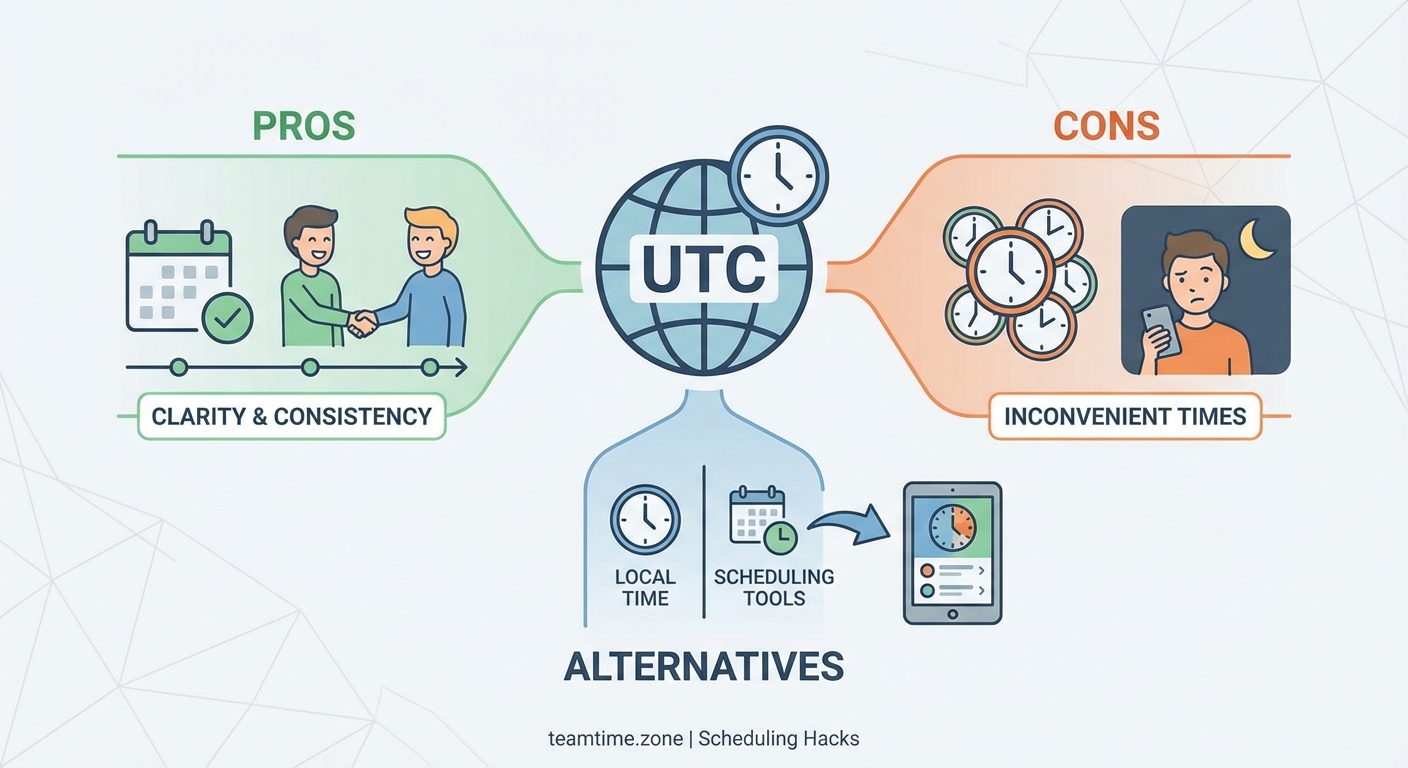
Every single time reference needs a time zone label. Not sometimes. Every time.
When you write “Let’s meet at 2 PM,” you’re asking people to guess. Instead, write “Let’s meet at 2 PM EST” or “14:00 UTC.” This simple habit eliminates 90% of scheduling confusion.
Here’s the format that works best:
- Include both the time and the three-letter time zone code
- Add the date in an unambiguous format (March 15, 2024, not 3/15/24)
- Consider showing the time in multiple zones for critical meetings
For recurring meetings, specify what happens during daylight saving transitions. Does the meeting time shift with the host’s local time, or does it stay fixed in UTC?
“We spent six months dealing with constant meeting mishaps before we made one rule mandatory: every calendar invite must show times in at least two zones. Our scheduling errors dropped to nearly zero.” – Remote team lead managing 40+ people across six continents
A Step-by-Step Process for Scheduling Complex Meetings
When you need to find a time that works for people spanning 12+ hours, follow this process:
-
List all participants with their time zones. Create a simple spreadsheet with names and current local times. Update this quarterly as people move or daylight saving rules change.
-
Identify the overlap windows. Find hours when everyone is awake and ideally during work hours. For teams with massive time differences, you might need to accept that someone joins early or late.
-
Apply the fairness rotation. If your team spans incompatible time zones, rotate who takes the inconvenient slot. Document this rotation publicly so everyone sees the pattern. One month, the US team joins late. Next month, the Asia team stays up. This prevents burnout and resentment.
-
Send invites with explicit time zones. Use calendar tools that automatically convert times, but also include the time zone text in the meeting description as backup.
-
Confirm 24 hours before. Send a reminder with the local time for each participant. This catches any confusion before the meeting starts.
Tools That Actually Solve Time Zone Problems
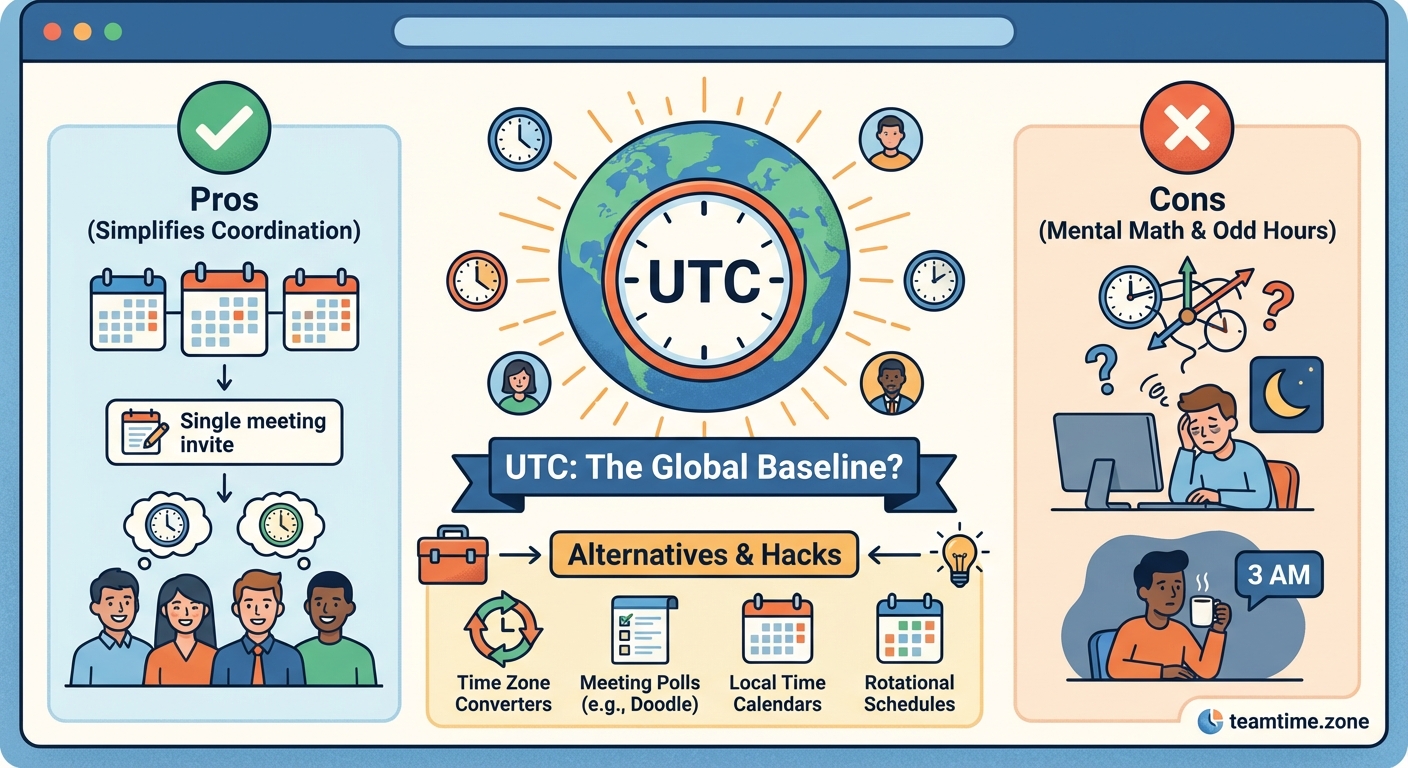
The right tools eliminate manual conversion work. Here’s what different solutions offer:
| Tool Type | Best For | Key Feature |
|---|---|---|
| World clock widgets | Visual reference | See multiple time zones at a glance |
| Scheduling assistants | Finding overlap | Automatically suggest available slots |
| Calendar apps with timezone support | Daily coordination | Convert times automatically in invites |
| Polling tools | Group consensus | Let everyone vote on preferred times |
World Time Buddy and similar visualizers help you see multiple time zones side by side. You can drag a slider to see what 9 AM in New York means for your team in Singapore and London simultaneously.
Calendly and similar booking tools let external people schedule with you without any back-and-forth. They see your availability in their local time automatically. This works brilliantly for client calls and interviews.
For deeper comparisons of scheduling tools, check out our guide on the complete Calendly vs World Time Buddy showdown for remote teams.
The Async Alternative: When Meetings Aren’t Worth the Pain
Sometimes the time zone math just doesn’t work. When your team spans 15+ hours and finding overlap means someone works at 3 AM, consider whether you actually need a live meeting.
Many discussions work better asynchronously. Status updates, decision documentation, and project reviews can happen in shared documents or recorded videos that people consume during their normal work hours.
Building an async-first communication culture takes intentional effort, but it often produces better outcomes than forcing everyone into inconvenient live calls.
Replace some meetings with these async formats:
- Recorded video updates that team members watch on their own schedule
- Collaborative documents where people add input over 24-48 hours
- Threaded discussions in Slack or similar tools with clear response time expectations
- Async standups that give everyone visibility without requiring synchronous time
The key is knowing when async doesn’t work. Brainstorming sessions, sensitive conversations, and urgent problem-solving often need real-time interaction.
Common Time Zone Mistakes and How to Avoid Them
Here are the errors that trip up even experienced remote managers:
Mistake: Assuming everyone knows what EST means. Eastern Standard Time and Eastern Daylight Time are different. EST is UTC-5. EDT is UTC-4. Most people use “EST” year-round when they actually mean “ET” (Eastern Time, which adjusts automatically).
Solution: Use ET, PT, CT, MT for US zones that observe daylight saving. Or use UTC offsets (UTC-5, UTC+8) which are always precise.
Mistake: Forgetting daylight saving transitions happen on different dates globally. The US, Europe, and Australia all shift at different times. For two weeks in March and November, the usual time differences change.
Solution: When scheduling meetings near these transition dates, double-check the actual UTC offset rather than relying on your usual assumptions. Better yet, use tools that handle this automatically.
Mistake: Not accounting for holidays and cultural work schedules. Friday afternoon in California might be Saturday morning in Sydney. Scheduling a meeting during Ramadan, Diwali, or Christmas week without checking with affected team members shows poor awareness.
Solution: Keep a shared calendar of team holidays and time-off. Ask before scheduling rather than assuming availability.
Making Recurring Meetings Work Across Time Zones
Weekly team meetings become complicated when time zones are involved. The meeting that works perfectly in summer becomes problematic when daylight saving ends and suddenly shifts by an hour for half your team.
Here’s how to handle recurring meetings:
Set the meeting to a fixed UTC time if your team is truly global. This means the local time will shift for some people twice a year, but everyone shifts together and the relationship between time zones stays constant.
Alternatively, anchor the meeting to one time zone and let others adjust. This works when you have a clear headquarters or when most participants are in one region.
For teams spanning incompatible hours, consider running the same meeting twice. Host one session for Americas/Europe and another for Asia/Pacific. Record both so anyone can watch the other session if needed.
The timezone rotation strategy provides detailed frameworks for making this fair over time.
Building Your Team’s Time Zone Protocol
Create a written guide that everyone on your team follows. This removes ambiguity and makes coordination automatic.
Your protocol should cover:
-
Default time zone for all communications. Many global teams use UTC as their reference point for clarity.
-
Required format for meeting invites. Specify exactly how times should be written and which calendar tools to use.
-
Fairness rules for inconvenient meeting times. Document how you rotate scheduling burden across time zones.
-
Response time expectations. Be clear about what “urgent” means when people work different hours. Setting realistic response time expectations prevents frustration.
-
Backup communication methods. What happens if someone misses a meeting due to time confusion? How do they catch up?
Post this protocol where new team members can find it easily. Include it in your remote team onboarding checklist.
Advanced Strategies for Teams With Extreme Time Differences
When your team truly spans the globe, standard scheduling advice breaks down. You need more sophisticated approaches.
The handoff method works brilliantly for certain types of work. One region completes their portion and hands off to the next time zone. This creates a 24-hour work cycle where projects move forward continuously. Customer support teams and development teams often use this pattern. Learn more about the 24-hour handoff method.
Overlap hour maximization means identifying the small windows when multiple regions are online simultaneously and protecting those hours for collaborative work. Everything else happens asynchronously.
Regional pods with bridge coordinators let most people work within their geographic cluster while designated coordinators handle cross-region communication. This reduces the number of people dealing with difficult time zones.
Real Examples: What Works in Practice
A software company with teams in San Francisco, London, and Singapore runs their all-hands meeting twice monthly. They alternate between a time that works for Americas/Europe (8 AM PT / 4 PM London / 11 PM Singapore) and a time that works for Europe/Asia (7 AM Singapore / 11 PM PT / 7 AM London). Leadership presents at both sessions. The rotation means no one has terrible timing every single meeting.
A consulting firm with global clients uses Calendly with buffer times. Clients can only book during windows that fall within reasonable hours for both parties. The firm blocks out times that would require consultants to work past 8 PM or before 7 AM local time.
A distributed startup eliminated most live meetings entirely. They use async workflow templates for daily coordination and only meet live for quarterly planning and urgent issues.
Tools Comparison: Free vs Paid Options
Many teams wonder whether paid timezone tools are worth the cost. Here’s the honest breakdown:
Free tools like World Time Buddy and Every Time Zone work perfectly well for basic conversion needs. You can see multiple time zones, compare times, and share links with colleagues.
Paid tools like Clockwise and Reclaim AI add automation. They analyze your calendar, find optimal meeting times automatically, and protect focus time. For managers scheduling dozens of meetings weekly, this saves hours. Our comparison of Clockwise vs Reclaim AI breaks down which features justify the cost.
The decision point: if you spend more than two hours per week on scheduling coordination, paid tools probably save you money. If you schedule occasionally, free tools are fine.
Also consider what you actually get for your money beyond just time zone conversion.
Making Time Zones Visible in Daily Work
Beyond meetings, time zones affect daily collaboration. Make them visible in your team’s workspace:
- Add time zone information to Slack profiles or email signatures
- Use status indicators showing when people are online vs offline
- Create a team directory showing current local times and typical work hours
- Set up a world clock widget on your team’s dashboard or wiki
When time zones are visible, people naturally adjust their expectations. They don’t expect instant responses from colleagues who are clearly offline. They plan ahead for collaboration that requires real-time interaction.
This visibility also helps with protecting focus time since everyone can see when someone is in their deep work hours.
Handling Daylight Saving Time Changes
Twice a year, daylight saving transitions create scheduling chaos. Different regions change on different dates. Some regions don’t observe daylight saving at all.
For the two weeks when some zones have shifted and others haven’t, your usual time differences are wrong. A meeting that’s normally 9 AM New York / 2 PM London / 10 PM Sydney might temporarily become 9 AM New York / 1 PM London / 11 PM Sydney.
The solution: use calendar tools that handle this automatically. Google Calendar, Outlook, and most scheduling assistants account for daylight saving transitions. But always verify the actual local time in meeting descriptions as backup.
For recurring meetings, decide whether they should shift with daylight saving or stay at a fixed UTC time. Document this decision clearly. Our guide on scheduling recurring meetings when daylight saving time keeps changing covers the technical details.
When You’re Coordinating With Clients Across Time Zones
Client scheduling adds extra complexity because you can’t always control the tools or processes. Here’s what works:
Always confirm times in writing using both time zones. “Let’s meet Tuesday, March 15 at 2 PM EST (11 AM PST)” prevents confusion.
Send calendar invites immediately after confirming. Don’t wait. The invite serves as documentation and automatically converts the time to their local zone.
Follow up 24 hours before with a confirmation email that includes the local time again. “Looking forward to our call tomorrow at 2 PM your time (EST).”
For ongoing client relationships, learn their time zone and reference it naturally. “I know it’s early morning for you in Sydney” shows awareness and builds rapport.
Building Scheduling Skills Into Your Team Culture
Time zone coordination is a learned skill. New remote workers often struggle with it initially. Make training part of your onboarding.
Include timezone scenarios in your onboarding documentation. Walk through examples of how to schedule meetings, write times correctly, and use your team’s tools.
When someone makes a scheduling mistake, treat it as a learning opportunity rather than a failure. Share the correct approach publicly so others learn too.
Celebrate people who handle time zones well. When someone schedules a complex meeting perfectly or finds a creative solution to a timezone challenge, acknowledge it. This reinforces the behavior.
Making Time Zones Work for You, Not Against You
Scheduling meetings across time zones gets easier with practice and systems. The teams that excel at this share common habits: they always specify time zones, they use automation tools, they rotate inconvenient meeting times fairly, and they choose async alternatives when live meetings don’t make sense.
Start with one change. Pick the practice that will have the biggest impact on your team and implement it this week. Maybe that’s adding time zones to every meeting invite. Maybe it’s setting up a scheduling assistant. Maybe it’s documenting your first timezone-aware task management system.
The goal isn’t perfection. The goal is reducing friction so your team spends less time coordinating and more time doing actual work together.