
Coordinating schedules feels like solving a puzzle where the pieces keep moving. Someone’s free Tuesday morning, another person can’t do mornings at all, and your colleague in Singapore is already asleep when your workday starts. The back and forth emails pile up, availability windows shrink, and you’re still no closer to booking that meeting.
Finding meeting times that work for everyone requires a structured approach that respects time zones, work preferences, and availability constraints. Use scheduling tools to automate the heavy lifting, offer limited options instead of open-ended requests, and establish clear meeting policies that distribute inconvenience fairly. The right combination of technology and thoughtful planning eliminates scheduling friction and gets everyone in the same (virtual) room.
Why scheduling meetings feels impossible
Most teams approach meeting scheduling the same way: send an email asking “when works for you?” and wait for responses to trickle in. This method breaks down fast.
People respond at different times. Some reply immediately, others take days. By the time everyone answers, the original options no longer work. You start over, frustration mounting.
Time zones multiply the complexity. A 2pm meeting in New York means 11pm in Tokyo. Someone always gets stuck with an inconvenient slot.
Personal preferences matter too. Morning people hate late afternoon calls. Parents need to work around school pickup. Remote workers in different countries observe different holidays.
The problem isn’t that people are difficult. The problem is treating scheduling as a simple coordination task when it’s actually a multi-variable optimization challenge.
The step by step process for finding times that actually work
Here’s a systematic approach that accounts for real constraints and produces actual results.
1. Gather the hard constraints first
Before proposing any times, collect the non-negotiable limitations.
Ask participants for their time zones, working hours, and complete no-go periods. Someone might have client calls every Tuesday afternoon or school drop-off until 9:30am. These aren’t preferences, they’re boundaries.
Document these constraints in a shared space. A simple spreadsheet works. List each person’s name, time zone, working hours, and blocked times.
This step feels tedious but saves massive time later. You won’t propose options that half the team can’t attend.
2. Calculate the overlap window
Find when everyone is theoretically available at the same time.
If your team spans New York (EST), London (GMT), and Singapore (SGT), you need to find hours when all three zones have working hours overlap. For this combination, that’s roughly 8am to 9am EST (1pm to 2pm GMT, 9pm to 10pm SGT).
Not great, but it’s your starting point.
Use a time zone converter or world clock tool to visualize this. Many scheduling platforms show this automatically, but understanding the math yourself helps you make better decisions.
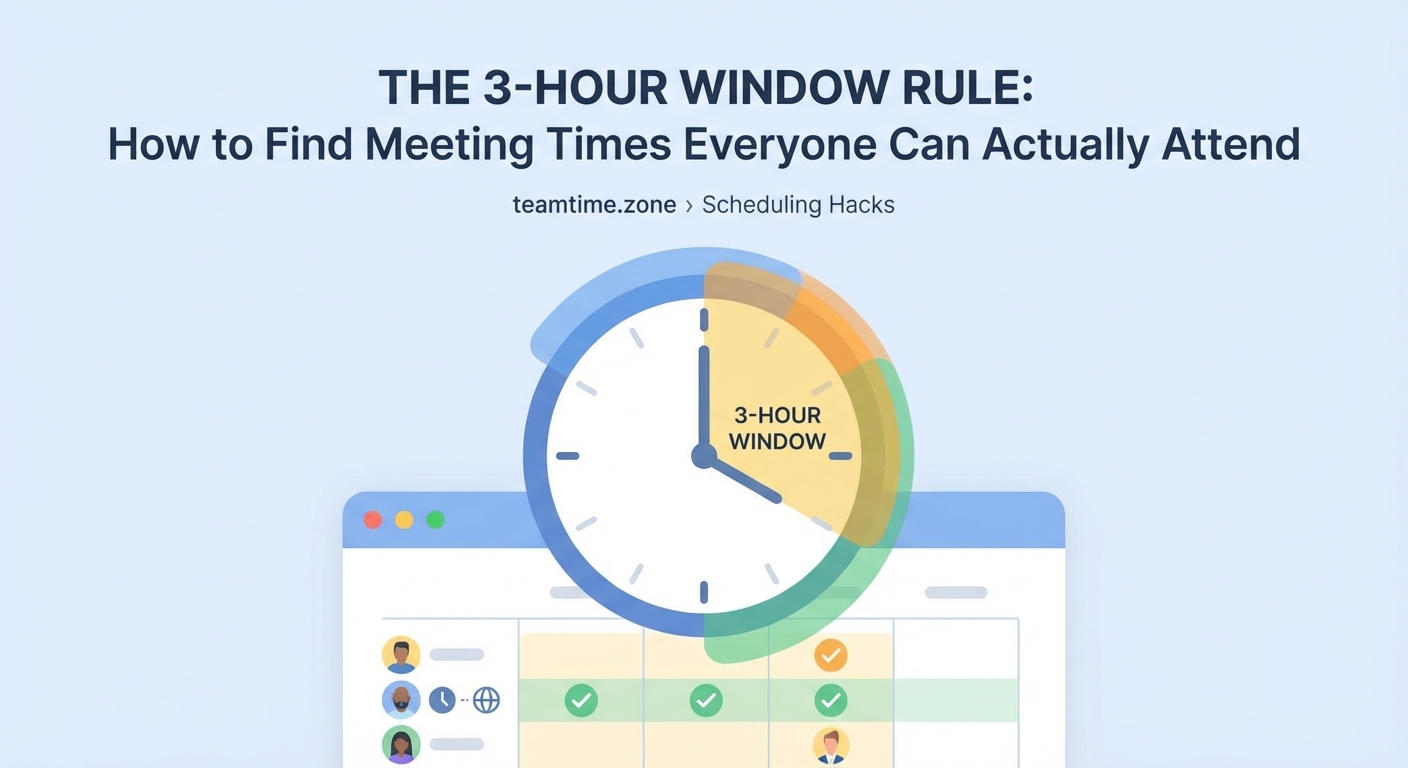
If you’re working with the 3-hour window rule for international team meetings, you already know that finding even a small overlap across many zones requires compromise.
3. Layer in preferences and fairness
Now that you know the possible windows, add human factors.
Some team members will always get inconvenient times if you pick the same slot repeatedly. Rotate meeting times so the burden distributes fairly. This month Singapore joins at 9pm, next month New York takes the early 7am slot.
Consider energy levels and meeting type. Strategic planning sessions need people at their sharpest. Don’t schedule those when half the team is fighting to stay awake.
Should you rotate meeting times? A data-driven answer shows that teams with rotating schedules report higher satisfaction and better attendance than those that always favor one region.
4. Propose limited, specific options
Never ask “what times work for you?” with no boundaries. That creates decision paralysis and guarantees conflicting responses.
Instead, offer two or three specific options based on your constraint analysis.
“We can meet Thursday 8am EST or Friday 9am EST. Please confirm which works better or note if neither is possible.”
Limited options force decisions. People can evaluate and respond immediately instead of checking their entire calendar and proposing alternatives.
5. Use polling for groups larger than five
Email chains fall apart with big groups. Use a meeting poll tool instead.
Share a poll with your analyzed time options. Participants mark their availability for each slot. You see at a glance which option gets the most votes.
This method works especially well for recurring meetings where you need to establish a permanent slot that maximizes attendance.
6. Confirm and protect the chosen time
Once you’ve selected a time, send calendar invites immediately. Include time zone information in the meeting title: “Team Sync (2pm EST / 7pm GMT / 3am SGT).”
Add the meeting agenda and any prep work needed. This helps people decide if attendance is truly necessary or if they can review notes later.
Respect the scheduled time. Starting late or running over punishes the people who planned their day around your meeting.
Tools that handle the complexity for you
Manual scheduling works for occasional meetings, but regular coordination needs automation.
Calendar-based scheduling tools
Platforms like Calendly and similar services connect to your calendar and show your availability to others. Invitees pick from your open slots without the email tennis.
These work great for one-on-one meetings or when you’re the only person whose availability matters. They’re less helpful for group meetings where you need to balance multiple calendars.
Look for tools that show time zones clearly and let you set different availability rules for different meeting types. Your office hours availability differs from your executive meeting availability.
Group polling platforms
When you need to coordinate multiple people, polling tools like Doodle or When2Meet let everyone mark their availability on a shared grid.
The visual format makes patterns obvious. You immediately see which slots work for most people and which create conflicts.
Some platforms integrate with calendar systems to automatically block unavailable times, reducing the manual work for participants.
Shared calendar visibility
If your team uses Google Workspace or Microsoft 365, enable calendar sharing so you can see everyone’s free/busy status.
This doesn’t reveal meeting details (privacy matters), but shows when people have blocks. You can find gaps without asking anyone.
The limitation: free/busy status doesn’t show preferences, energy levels, or time zone fairness. Use this for quick checks, not as your only method.
For teams spread across many time zones, 7 meeting scheduling tools that actually respect time zones breaks down which platforms handle international scheduling best.
Common scheduling mistakes and how to avoid them
| Mistake | Why it fails | Better approach |
|---|---|---|
| Asking “when are you free?” | Too open-ended, creates decision fatigue | Propose 2-3 specific options based on known constraints |
| Always scheduling at the same time | Unfairly burdens certain time zones | Rotate meeting times monthly or quarterly |
| Ignoring meeting necessity | Fills calendars with low-value gatherings | Ask if the meeting can be an async standup instead |
| Booking back-to-back meetings | Gives no transition or break time | Leave 10-minute buffers between meetings |
| Scheduling during lunch hours | Assumes everyone eats at the same time | Block 12pm-1pm in each person’s local time |
| Forgetting about holidays | Books meetings on regional holidays | Check holiday calendars for all represented countries |
When you can’t find a time that works for everyone
Sometimes the math simply doesn’t work out. Your team spans too many zones or has too many conflicts.
You have three options.
Make attendance optional. If the meeting isn’t critical for everyone, let people opt out. Record it for those who can’t attend live.
Split into multiple sessions. Run the same meeting twice at different times. This doubles your effort but ensures everyone can participate during reasonable hours.
Question if you need a meeting at all. Many meetings exist out of habit, not necessity. If you’re just sharing updates or gathering input, building an async-first communication culture might serve you better than forcing everyone into a call.
“The best meeting is often the one you don’t have. Before trying to find a time that works for everyone, ask if synchronous communication is truly necessary for this particular decision or update.”
Making recurring meetings work long term
One-off meetings are easier to schedule than recurring ones. For regular team syncs, all-hands, or planning sessions, you need a sustainable approach.
Establish core collaboration hours
Define a window when most of the team overlaps and protect it for meetings. Make this official policy.
For globally distributed teams, this might be just two or three hours per day. That’s fine. Concentrate your synchronous work there and keep the rest of the day meeting-free for deep work.
Review and adjust quarterly
What works in January might not work in June. Team members relocate, new people join from different time zones, and daylight saving time shifts everything.
Set a reminder to review your recurring meeting schedule every quarter. Ask if the current times still work or if rotation is needed.
Create meeting-free days
Some teams designate certain days as meeting-free zones. No recurring meetings on Fridays, for example.
This gives everyone predictable blocks of uninterrupted time and reduces the scheduling burden. You have fewer days to work with, but the days you do use are more efficient.
How to cut your standing meetings in half without losing productivity offers specific strategies for reducing meeting frequency without losing team cohesion.
Building a fair meeting culture
Technology solves the logistics, but culture determines if people actually show up and engage.
Distribute inconvenience equally
Track who’s taking early or late meetings. If the same people always join at awkward hours, resentment builds.
Create a rotation system that shares the burden. One month the Americas team takes the late slot, next month EMEA takes the early one, then APAC.
Document this rotation and stick to it. Fairness requires consistency.
Respect people’s time signals
If someone consistently declines or stays silent in meetings scheduled at certain hours, pay attention. They might be pushing through exhaustion or missing family time.
Have a direct conversation. Ask if the time works or if you need to adjust.
Make recordings and notes standard
Not everyone can attend every meeting. That’s reality for distributed teams.
Record sessions and share detailed notes. This isn’t just courtesy, it’s how you include people across time zones.
Meeting recordings done right: best practices for global teams covers how to make recordings actually useful instead of just creating video files no one watches.
What to do when someone won’t share their availability
You’ve sent the poll, set a deadline, and one person hasn’t responded.
Don’t wait indefinitely. Set a clear decision point.
“We need to book this by Wednesday. If I don’t hear from you by then, I’ll assume the majority vote works for you or that attendance is optional for you.”
This isn’t aggressive, it’s practical. Projects can’t stall because one person hasn’t checked their calendar.
For repeat offenders, have a private conversation. Maybe they’re overwhelmed, maybe they don’t see the meeting as important, or maybe they need a different communication method.
Scheduling across different meeting cultures
Different regions and companies have different meeting norms. Some cultures expect immediate responses, others take days to reply. Some see calendar blocks as firm, others as suggestions.
When coordinating across these differences, be explicit about expectations.
State your deadline clearly: “Please respond by end of day Thursday EST.”
Explain why the meeting matters and what happens if someone can’t attend. This helps people prioritize their response.
Be flexible about format. Maybe some participants prefer a phone call over video, or would rather submit input async instead of attending live.
Your meeting scheduling checklist
Before sending your next meeting request, run through this:
- [ ] Have you checked everyone’s time zones?
- [ ] Do you know their working hours and blocked times?
- [ ] Have you identified the overlap window?
- [ ] Are you proposing specific options instead of open-ended questions?
- [ ] Does the meeting time rotate fairly if it’s recurring?
- [ ] Have you confirmed this actually needs to be a meeting?
- [ ] Will you record it for people who can’t attend?
- [ ] Is the meeting title clear and include time zone info?
- [ ] Have you set a deadline for responses?
- [ ] Do you have an agenda so people can prepare?
Getting better at this over time
Finding meeting times that work for everyone is a skill that improves with practice and data.
Keep notes on what works. Which time slots get the best attendance? When do people seem most engaged versus just going through the motions?
Ask for feedback. After establishing a new recurring meeting time, check in after a month. Is this working? Does it need adjustment?
Build templates for common scenarios. If you frequently schedule client calls across time zones, create a saved message with your standard available windows and instructions.
The goal isn’t perfection. The goal is reducing friction and respecting everyone’s time.
Making scheduling someone else’s problem (in a good way)
If you’re scheduling meetings constantly, consider delegating the logistics.
Some teams designate a scheduling coordinator who handles all meeting arrangement. This person becomes expert at the tools and processes, and everyone else just responds to clear requests.
Alternatively, establish self-service scheduling. Set up booking pages where people can grab time with you automatically based on your real availability.
This works especially well for office hours, customer calls, or interviews where you’re the only required attendee.
Stop fighting your calendar and start using it smarter
The endless email chains asking “does Thursday work?” don’t have to be your reality. Finding meeting times that work for everyone comes down to structure, tools, and fairness.
Start by gathering real constraints instead of guessing. Use the overlap window as your foundation, then layer in human factors like energy and equity. Propose limited options, use polls for groups, and automate what you can.
Most importantly, question if each meeting needs to happen at all. The easiest meeting to schedule is the one you replace with a well-written update or async workflow.
Your calendar should serve your work, not consume it. Pick one strategy from this guide and implement it this week. Your future self (and your team) will thank you.
Leave a Reply