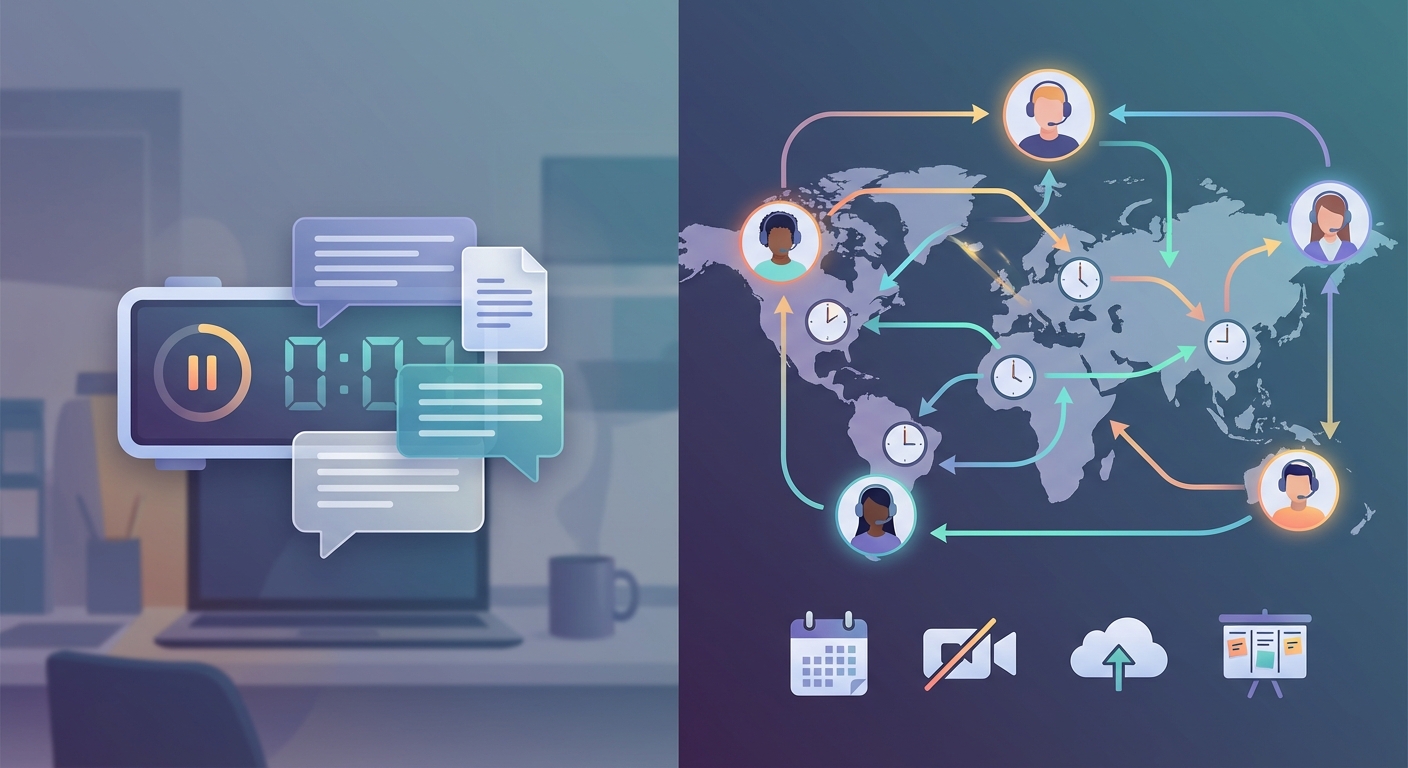
Remote teams fail when they try to replicate office life online. Back-to-back video calls. Endless Slack pings. Team members burned out from timezone juggling. The solution isn’t better synchronous tools. It’s building a communication system where work happens without everyone being online at once.
Asynchronous communication remote teams thrive when managers prioritize documentation, set clear response expectations, and choose the right channels for different message types. This approach reduces meeting overload, respects timezone differences, and creates a searchable knowledge base that helps distributed teams work independently. Success requires intentional structure, not just good intentions.
Understanding async communication in distributed teams
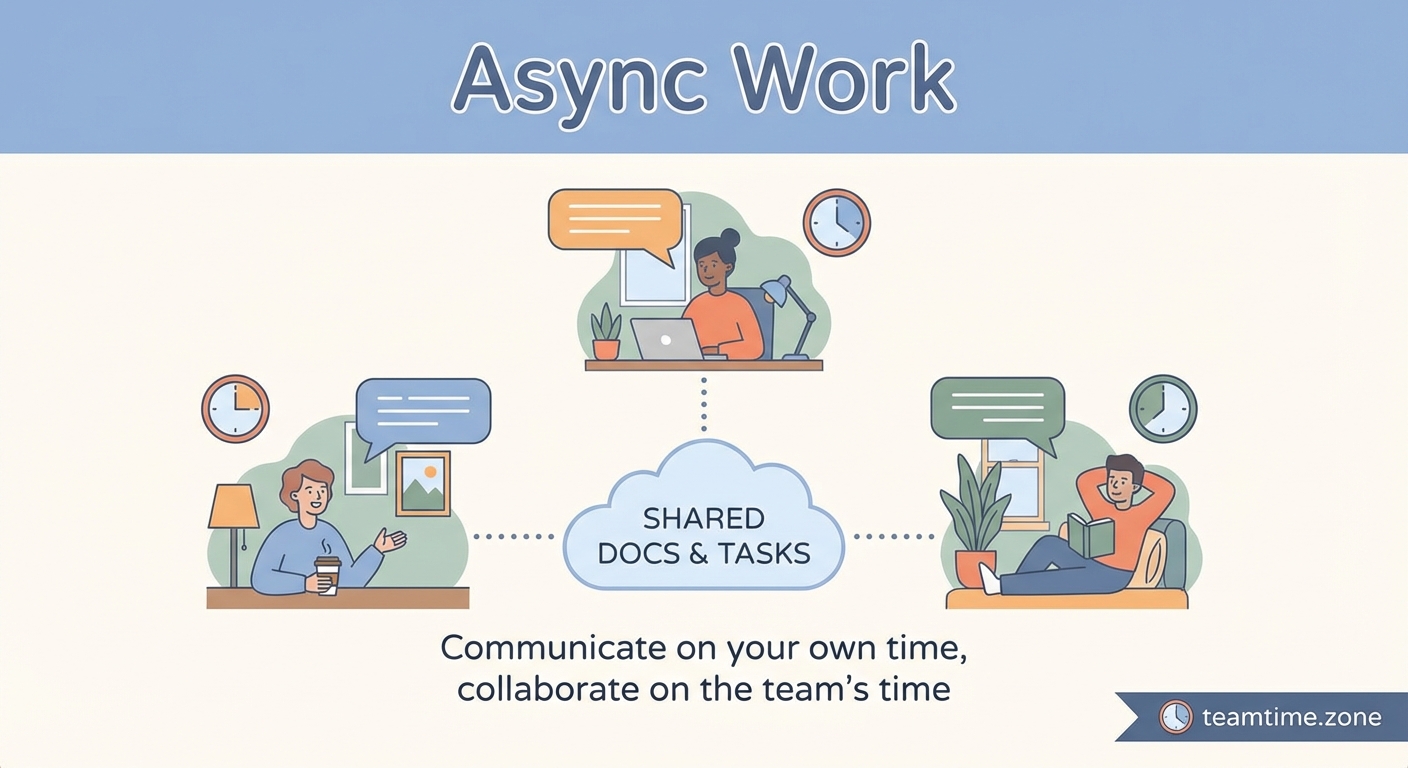
Asynchronous communication means team members contribute on their own schedule. Someone in Sydney writes a project update. A colleague in Berlin reads and responds six hours later. Another teammate in San Francisco adds feedback the next morning.
No one waits for others to be online. No one schedules around multiple timezones. Work flows through documentation, recorded videos, and threaded discussions instead of live meetings.
This isn’t just “fewer meetings.” It’s a fundamental shift in how information moves through your organization.
Synchronous communication requires real-time presence. Video calls, phone conversations, and live chat all demand immediate attention. One person talks while others listen, right now.
Asynchronous communication removes the timing constraint. Team members read, think, and respond when it fits their workflow. The person asking a question doesn’t sit idle waiting for an answer. The person responding doesn’t drop everything to reply.
Both modes have their place. The problem happens when teams default to synchronous for everything.
Why remote teams need async-first practices
Traditional offices run on synchronous communication because everyone shares physical space. You walk to someone’s desk. You gather in a conference room. Proximity makes real-time interaction the path of least resistance.
Remote work breaks that model. Your designer lives in Lisbon. Your developer works from Tokyo. Your product manager is in Chicago. Scheduling a single meeting becomes a timezone puzzle.
Async-first communication solves three critical problems:
Timezone flexibility: Team members contribute during their productive hours, not at 6 AM to accommodate someone else’s schedule.
Deep work protection: Constant interruptions destroy focus. Async communication lets people batch their responses instead of context-switching every fifteen minutes.
Built-in documentation: When discussions happen in writing, they create a searchable record. New team members can read past decisions instead of asking the same questions repeatedly.
Teams that master async communication report higher productivity, better work-life balance, and more inclusive collaboration. Remote workers in underrepresented timezones finally participate as equals instead of afterthoughts.
The five channels every async team needs
Choosing the right communication channel matters as much as the message itself. Use the wrong tool and you create confusion, missed updates, or buried information.
Here’s how effective async teams structure their communication:
| Channel Type | Best For | Response Time | Examples |
|---|---|---|---|
| Project management | Task assignments, status updates, deliverables | 24 hours | Asana, Trello, Linear |
| Team messaging | Questions, clarifications, casual chat | 4-8 hours | Slack, Discord, Microsoft Teams |
| Documentation | Processes, decisions, reference material | No response needed | Notion, Confluence, Google Docs |
| External communication, formal updates | 24-48 hours | Gmail, Outlook | |
| Video recordings | Complex explanations, demos, feedback | 24 hours | Loom, Vimeo, Vidyard |
Notice the response time expectations. Async communication fails when people expect instant replies. Setting clear norms prevents anxiety and constant checking.
Your team messaging tool shouldn’t ping people at midnight. Use status indicators and notification settings. Encourage “do not disturb” hours. Make it socially acceptable to respond the next day.
Building your async communication framework
Moving to async-first requires more than installing new tools. You need clear processes that guide how and when team members communicate.
1. Document your communication norms
Start by writing down expectations. Which channels serve which purposes? How fast should people respond? When is a meeting actually necessary?
Create a simple guide that answers:
- Where do we post project updates?
- How do we signal urgency?
- What belongs in a meeting versus a document?
- When can people ignore notifications?
Share this guide during onboarding. Reference it when communication breaks down. Update it as your team learns what works.
2. Default to writing first
Before scheduling a meeting, ask if writing would work better. Can you explain the issue in a document? Would a recorded video demonstration be clearer than a live call?
Writing forces clarity. You can’t ramble in a document the way you can in a meeting. The act of typing out your thoughts often reveals gaps in your logic.
“If you can’t write it down, you don’t understand it well enough to discuss it synchronously. Writing first saves everyone time.” — Remote team leader at a distributed software company
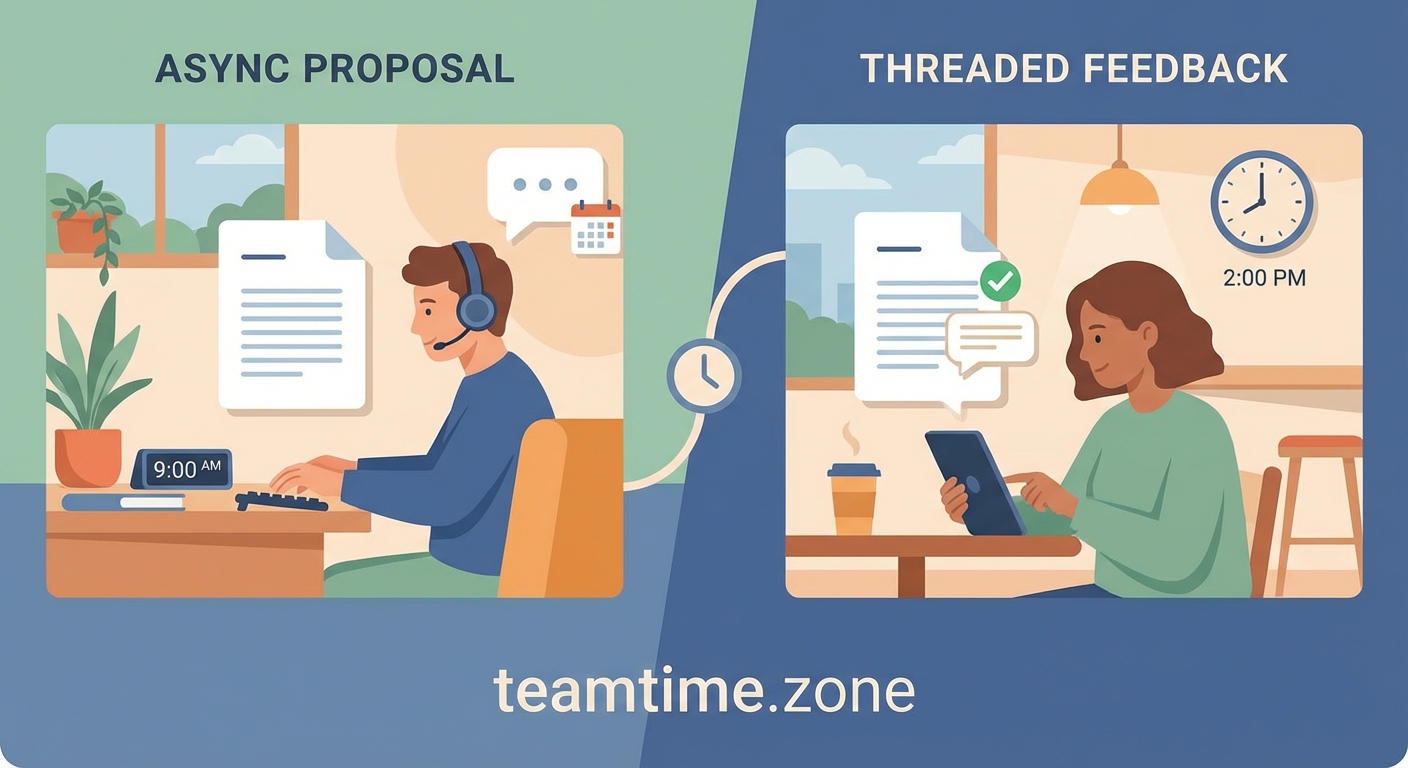
This principle applies to decisions, brainstorming, and feedback. Write your thoughts. Give others time to read and respond. Schedule the meeting only if written discussion stalls.
3. Create response time tiers
Not every message needs the same urgency. Establish clear tiers:
- Critical (respond within 2 hours): Production outages, customer emergencies, time-sensitive decisions with external deadlines
- Important (respond within 24 hours): Project blockers, questions that affect other people’s work, deadline clarifications
- Standard (respond within 48 hours): Status updates, non-blocking questions, feedback requests, general discussion
Tag messages with their urgency level. Most communication falls into “standard.” Teams that treat everything as urgent burn out fast.
4. Schedule dedicated async time
Block calendar time for reading and responding to async communication. Treat it like any other meeting.
Many remote workers check messages constantly because they fear missing something important. This creates the worst of both worlds: constant interruption without the efficiency of real-time conversation.
Instead, batch your async work. Check project management tools twice a day. Review team messages during designated windows. Respond thoughtfully instead of reactively.
5. Record meetings for absent teammates
When you do meet synchronously, record it. Post the recording with timestamps and a written summary.
This serves two purposes. Teammates in incompatible timezones can catch up later. And the recording becomes documentation, reducing “I missed that meeting” questions.
Include action items and decisions in writing. The recording provides context, but the written summary ensures nothing gets lost.
Common async communication mistakes
Teams new to async work make predictable errors. Avoid these pitfalls:
Mixing urgent and non-urgent messages: When everything goes in the same Slack channel, people either ignore notifications or live in constant anxiety. Separate channels by urgency and topic.
Expecting instant responses: Async communication breaks when people treat it like synchronous. If you need an immediate answer, you’re using the wrong channel.
Skipping context: Async messages need more detail than in-person conversations. You can’t read body language or ask clarifying questions immediately. Provide background, link to relevant documents, and explain your reasoning.
Writing novels: More detail doesn’t mean longer messages. Structure your communication with headers, bullet points, and clear asks. Make it scannable.
Forgetting to close loops: In a live conversation, you know when the discussion ends. Async threads can linger indefinitely. Summarize decisions and explicitly mark topics as resolved.
Tools that support async workflows
The right tools make async communication feel natural instead of forced. Look for these features:
- Threaded conversations: Replies stay organized instead of creating a chaotic stream of messages
- Search functionality: Past discussions become findable documentation
- Notification controls: Team members can mute channels without missing critical updates
- Status indicators: Show when someone is available versus focused
- Integration capabilities: Connect your communication tools to project management, calendars, and documentation
Popular combinations include Slack or Discord for messaging, Notion or Confluence for documentation, and Loom for video explanations. The specific tools matter less than using them consistently.
Avoid tool sprawl. Every additional platform adds friction. Consolidate where possible.
Balancing async and sync communication
Async-first doesn’t mean async-only. Some situations genuinely need real-time interaction:
- Relationship building: New team members benefit from face time. Social connection happens more naturally in live conversation.
- Complex negotiations: When multiple stakeholders need to reach consensus on contentious issues, synchronous discussion often moves faster.
- Creative brainstorming: Rapid idea generation works better when people can riff off each other in real time.
- Crisis response: Production outages and customer emergencies require immediate coordination.
- Performance conversations: Difficult feedback deserves the nuance of live discussion, not the permanence of written text.
The key is making synchronous communication the exception, not the default. When you do schedule a meeting, make it count. Set a clear agenda. Start and end on time. Send a written summary afterward.
Measuring async communication success
How do you know if your async-first approach is working? Track these indicators:
- Meeting hours per week: Are you actually reducing synchronous time?
- Response time distribution: Do most messages get responses within your stated norms?
- Documentation growth: Is your knowledge base expanding, or do people keep asking the same questions?
- Timezone participation: Are team members in all timezones contributing equally?
- Employee satisfaction: Do people report better work-life balance and focus time?
Survey your team quarterly. Ask what’s working and what feels frustrating. Async communication should reduce stress, not create new anxieties.
Training your team for async work
Async communication is a skill. Most people spent their careers in synchronous environments. They need explicit training on new practices.
Run workshops on:
- Writing clear, actionable messages
- Structuring documentation for skimmability
- Choosing the right channel for different communication types
- Setting boundaries around notification checking
- Giving and receiving feedback asynchronously
Share examples of great async communication from your own team. Highlight messages that provided clear context, asked specific questions, or summarized complex topics effectively.
Coach managers separately. They set the tone. If leadership schedules unnecessary meetings or expects instant responses, the team will follow.
Making async work for different roles
Different team members face unique async challenges:
Engineers often adapt easily. They’re used to code reviews, written documentation, and asynchronous collaboration through pull requests. The challenge is ensuring they communicate enough, not too little.
Designers benefit from async critique but need occasional synchronous brainstorming. Use collaborative design tools where feedback happens in context, attached to specific design elements.
Customer-facing roles require faster response times with external stakeholders. Create clear escalation paths for urgent customer issues while protecting internal async norms.
Executives struggle most with async adoption. They’re used to immediate access and real-time decision making. Help them see async communication as a force multiplier, not a bottleneck.
Handling timezone differences gracefully
Async communication solves timezone problems, but you still need intentional practices:
Create overlap hours where most team members are available for synchronous communication if needed. Even two hours of overlap helps.
Rotate meeting times when synchronous sessions are necessary. Don’t always schedule at the convenience of headquarters.
Use world clock tools to avoid accidentally pinging someone at 3 AM. Many team messaging platforms show local time when you hover over a username.
Celebrate timezone diversity as a strength. Your team can provide customer support across more hours. You can hand off work between timezones for faster turnaround.
Your communication culture starts today
Shifting to async-first communication feels awkward at first. People will schedule unnecessary meetings out of habit. They’ll expect instant responses because that’s what they’re used to.
Start small. Pick one recurring meeting and replace it with a document. Establish response time norms for one channel. Record your next presentation instead of doing it live.
Each small change builds momentum. Your team will start to see the benefits: longer focus blocks, fewer interruptions, better documentation. Async communication becomes the new normal.
The goal isn’t perfection. Some messages will end up in the wrong channel. Some threads will get messy. That’s fine. You’re building new habits, and habits take time.
What matters is consistent progress toward a communication culture that respects people’s time, timezones, and need for deep work. Your remote team deserves better than back-to-back video calls. Give them the structure to do their best work asynchronously.
Leave a Reply